
Voice rooms and calls
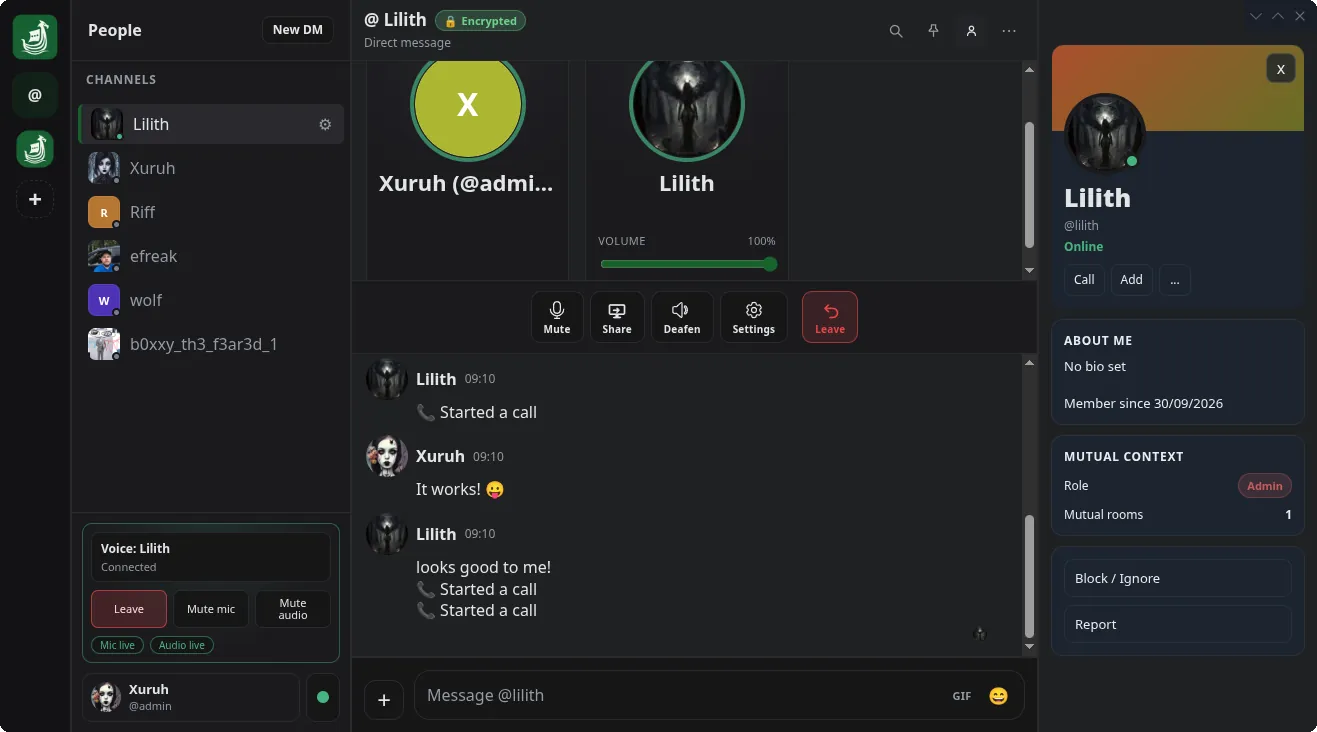
Hop into a voice channel, or call someone straight from their profile. Share your screen, turn each person up or down, and see who is talking at a glance. Voice runs on LiveKit, on your own server.
AlphaJorvik 1.0.15 · Web, Windows, macOS and Linux
Jorvik is chat and voice for Matrix. Spaces and channels, voice rooms and calls, your own emoji, and end-to-end encryption from the first message. Host it on your own server, or join one you trust.
Free and open source. No analytics, no telemetry.
Text, voice and the small things that make a server feel like home.
Hop into a voice channel, or call someone straight from their profile. Share your screen, turn each person up or down, and see who is talking at a glance. Voice runs on LiveKit, on your own server.
A space holds your channels. Group them into categories, drag them into the order you like, and use roles to decide who can do what.
Messages are end-to-end encrypted from the first one. Confirm a new login by matching emoji, and your recovery key brings your history back. No analytics, no telemetry.
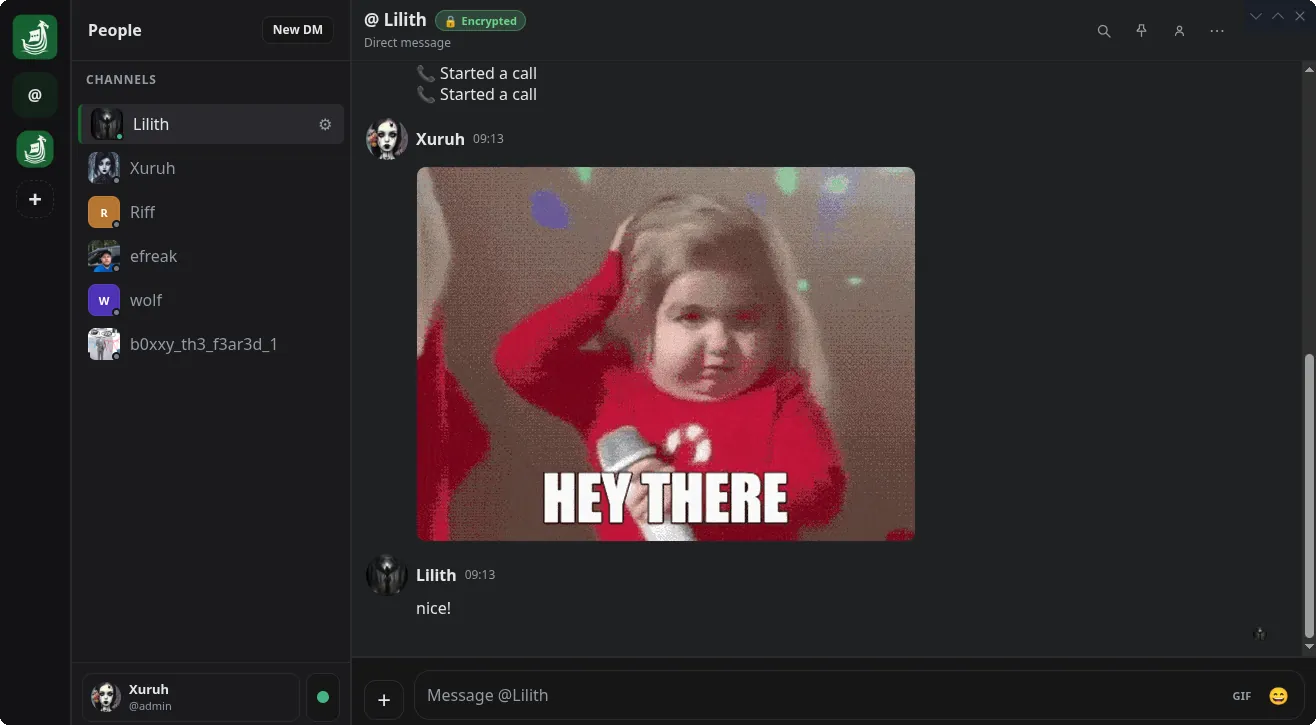
Each space can bring its own emoji, and your personal pack goes wherever you do. Search for a GIF without leaving the chat, and links open up into previews.
Set yourself online, idle, do not disturb or invisible, and add a status message. Step away from your computer and Jorvik marks you idle for you.
Use Jorvik in your browser, or install it on Windows, macOS or Linux. It is Matrix underneath, so you can talk to people on other Matrix servers too.
Version 1.0.15. Every build is on the GitHub releases page.
Nothing to install. Sign in at chat.jorvik.app from any modern browser.
Open JorvikAn installer (.exe) that adds Jorvik to the Start menu and the tray.
Download for WindowsA universal disk image (.dmg) for Intel and Apple silicon. Drag Jorvik into Applications.
Download for macOSPick the package that suits your distribution.
$ sudo snap install jorvik
$ yay -S jorvik-bin
$ sudo dnf copr enable xuruh/Jorvik && sudo dnf install jorvik
$ curl -LO https://github.com/jorvikapp/jorvik/releases/download/v1.0.15/Jorvik-1.0.15-x86_64.flatpak && flatpak install --user Jorvik-1.0.15-x86_64.flatpak
Or download the AppImage, .deb, .rpm or tarball directly. The Flatpak does not update itself yet.
Jorvik works with any Matrix homeserver. For chat and voice under one domain, the voice relay ships a Docker Compose stack with Synapse, LiveKit, the relay and Caddy, which sets up HTTPS for you.
Point the web app at your server in config.json, turn voice on, and hand out a registration token so your crew can sign up.
$ cp .env.example .env     # your domain and LiveKit keys
$ docker compose up -d     # Synapse, LiveKit, relay and Caddy
$ docker compose exec synapse register_new_matrix_user \
    -c /data/homeserver.yaml http://localhost:8008